


Dubai off-plan buyer checklist
Use the Dubai Land Department’s Project Status Enquiry, also known as Mashrooi, to review a registered project’s status, construction progress, completion percentage, planned completion date, unit count and escrow account. Search the official record, match it to your reservation documents, then compare the project-level update with the specific unit and handover terms in your sale and purchase agreement.
This step-by-step DLD project status check works through the DLD website or the Dubai REST app. It also shows what to do when a project is missing, a result looks outdated or the developer’s update differs from the DLD record.
Speak with an M&M advisor
Before you start: gather the project details
Use the project name and registration details shown on your reservation form or sale and purchase agreement. Developers may market a project under a short brand name, while the registered record uses a longer name, a phase name or a building name. Matching the exact registered project helps avoid confusing a neighbouring phase with the one you are buying.
- Keep your reservation form or sale and purchase agreement available for the registered name and project number.
- Note the developer entity named in your documents. A group brand and the legal developer entity can be different labels.
- Record the phase, building or plot reference shown for your unit, along with a land number if your documents provide one.
- Save the DLD result and its displayed update information so you can compare the same record with later developer communications.
For an off-plan property, the aim is to match the record to the exact registered phase and project referenced in your purchase documents.
How to use the DLD project status service
Step 1: Open Project Status Enquiry
Use the Dubai Land Department Project Status Enquiry on the web, or open Dubai REST and select the project status service, often referred to as Mashrooi. The DLD service can also be reached through WhatsApp by saving 8004488 in your contacts, as stated by the Dubai Land Department.
Choose the project-status enquiry for construction and registration information. Property-status and application-status services answer different questions, so use the service that identifies a project rather than an individual property or an application.
Step 2: Search with the strongest identifier
Enter the project name exactly as it appears in your documents. If the result list is empty or returns several similar developments, try the project number, registration number or land number where the service provides that search option.
Open each plausible result and compare its phase or building, developer and location details with your reservation documents. Use the registered project name or number to identify the correct project.
Step 3: Match the record to your purchase documents
Compare the DLD project name and developer entity with the reservation form and sale and purchase agreement. Match the phase or building reference too, especially when a development has several buildings or release stages.
If the name differs, ask the project sales team for the registered project name and number. Search again using those identifiers before relying on a nearby result.
Step 4: Read the project details and completion percentage
The project record can show status, project completion percentage, planned completion date, unit count and escrow account details. Location, developer information and other fields may also appear; available fields vary by project record, so an absent item alone does not establish that a project has no such information.
Read the status and completion percentage as project-level information. The completion figure describes construction progress across the registered project; it does not establish that an individual apartment or villa is complete, handed over or ready for occupancy.
Step 5: Compare the record with the agreement and developer update
Compare the DLD planned completion date with the handover terms in your sale and purchase agreement and the developer’s latest project communication. A planned date is a recorded target, while the agreement sets out the terms for your purchase.
Compare the escrow account information shown for the project with the payment details in your purchase documents. If the DLD record and a developer update conflict, keep copies of both, ask the sales team to explain the difference using the registered project number, and use the DLD service to review the project record again.
Step 6: Check the update information and follow up
Look for an update date or reporting label on the result. The displayed status and completion percentage reflect the update information shown on the result.
If the information appears stale, save the record, contact the developer’s sales team with the project number and ask for the latest construction update. Then compare that response with the DLD entry and your contract’s handover provisions.

When a project does not appear
A failed search can result from an informal project name, a different registered phase name or a project that has not yet appeared in the register. Ask the sales team for the registered name and project number, then search again using those details and any land number available in your documents.
A project that is not yet launched may not appear in the DLD register. For a project you are considering, use the developer’s registered project name and number to repeat the search when its registration is available.
What foreign buyers get wrong in Dubai off-plan, what each mistake costs, and exactly what to do instead.
Download free→Save or print this off-plan project checklist
Use your browser’s print command to print or save this checklist as a PDF. Keep a copy with your reservation documents and add the project number, the result’s update information and the questions you want answered.
- I searched the project name and tried another identifier when needed.
- I matched the registered project, phase and developer entity to my purchase documents.
- I recorded the status, project completion percentage, planned completion date and displayed update information.
- I compared the escrow details and project record with the payment and handover terms in my documents.
- I followed up on any missing, stale or conflicting information using the registered project details.
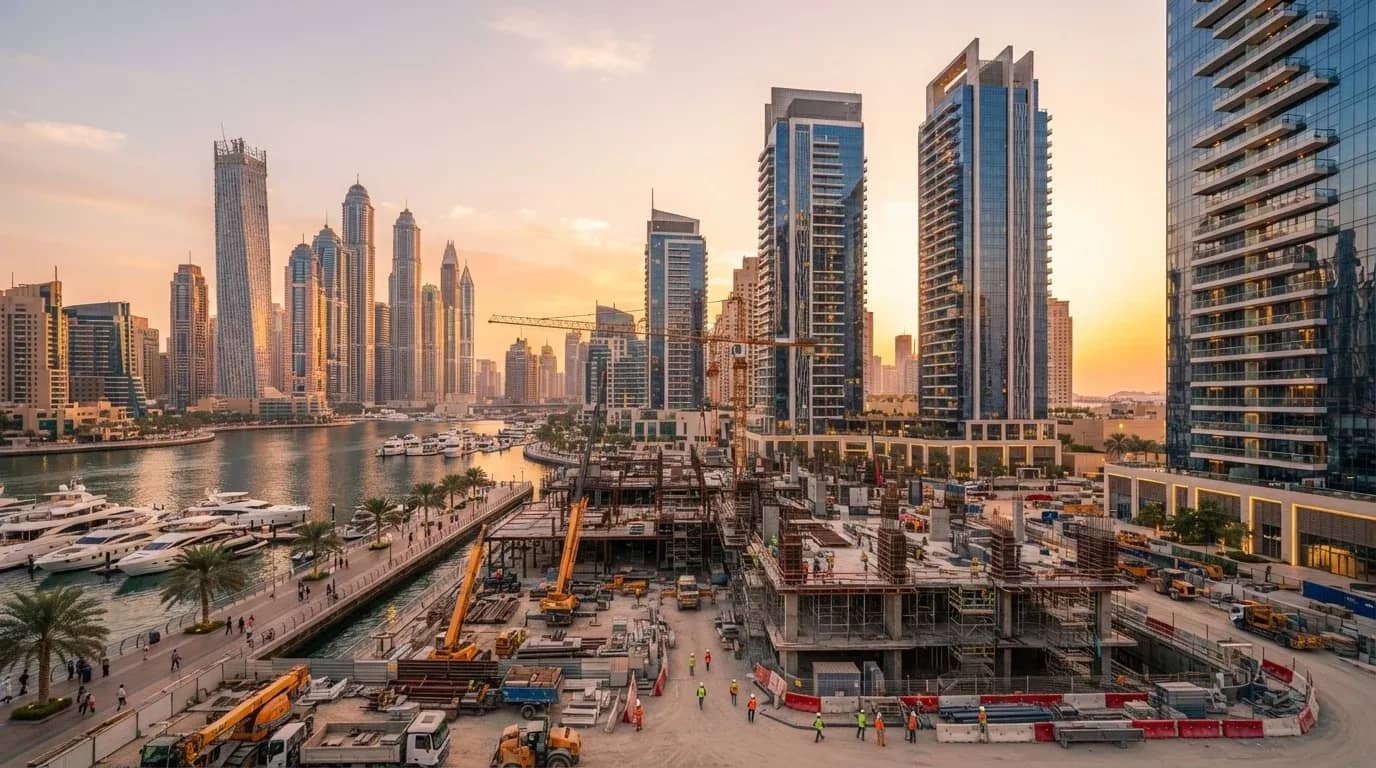
Compare DLD records with Dubai off-plan options
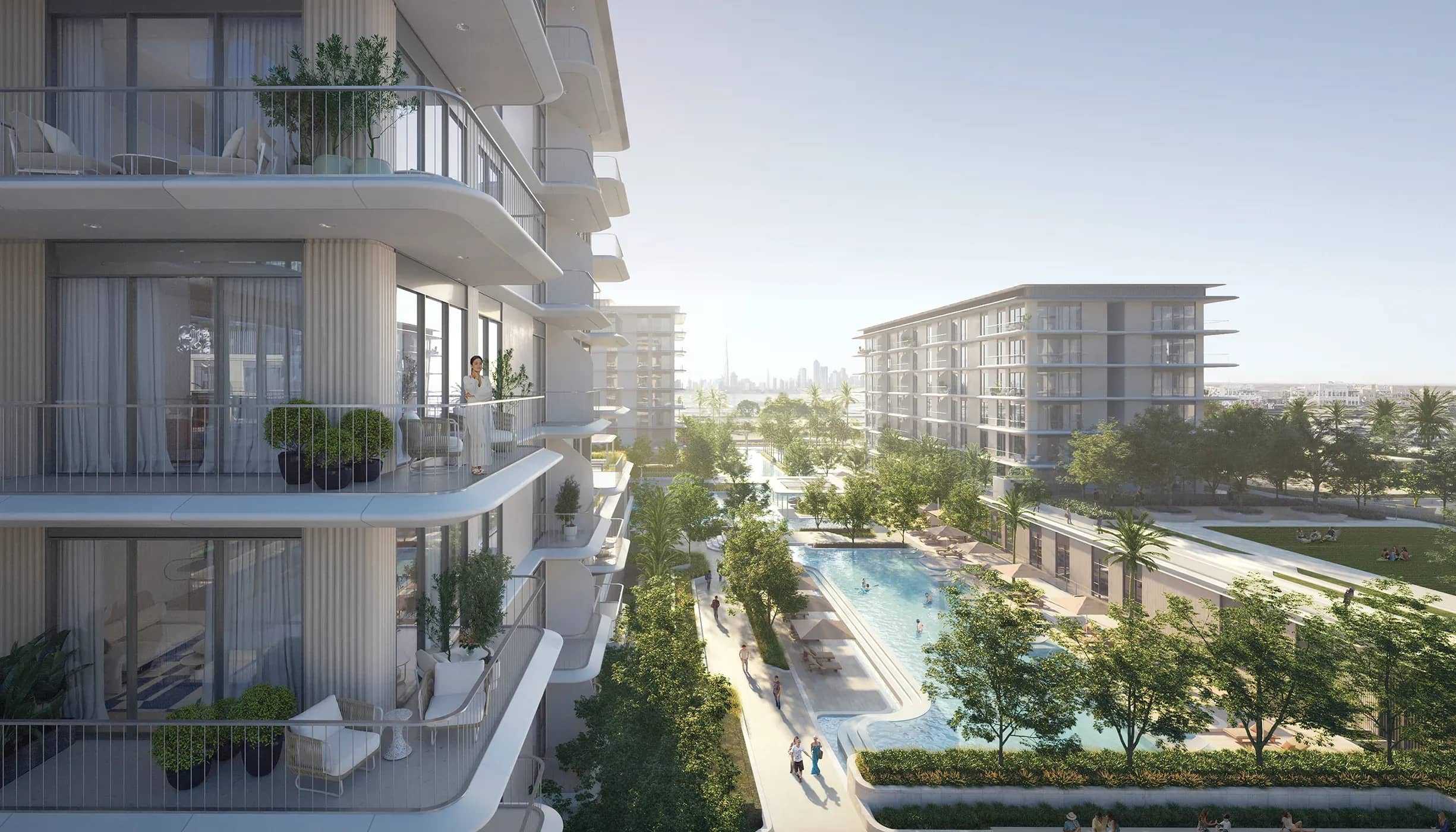
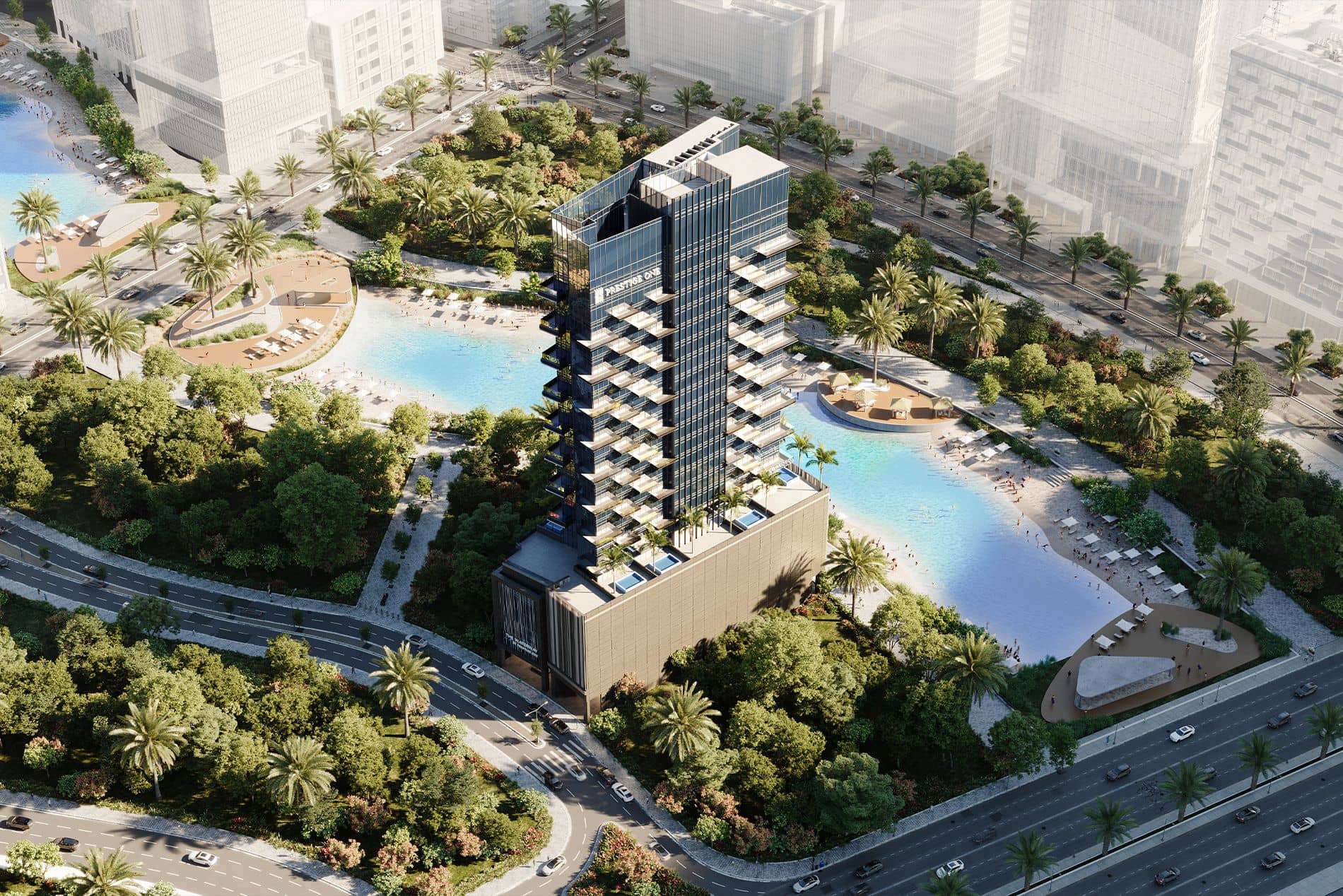
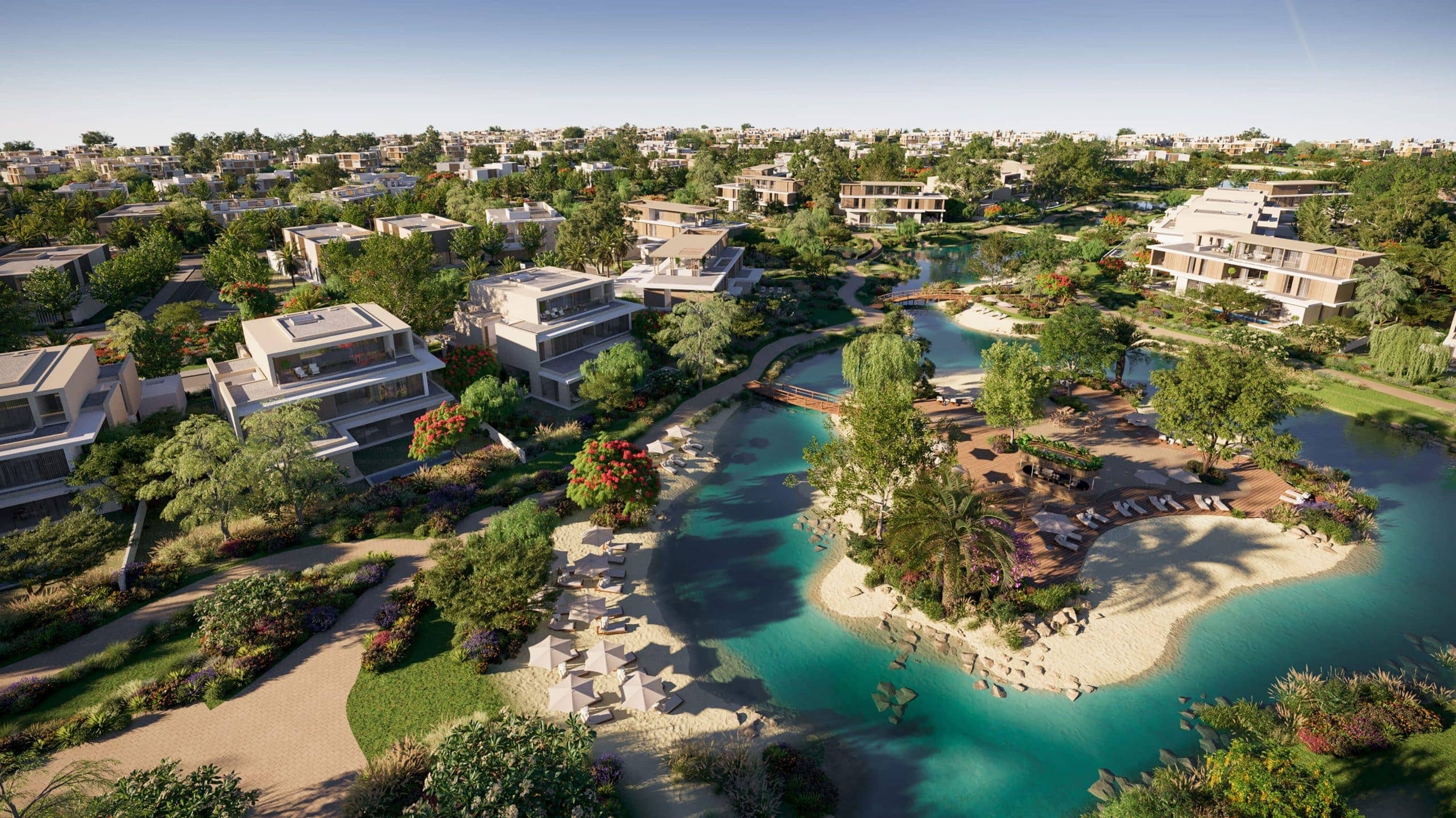
M&M Real Estate publishes off-plan project information and developer profiles that help buyers compare a project’s advertised details with the official project record. For example, review Emaar Properties and its project-check guidance, then explore Avonlea at Rashid Yachts & Marina, The Waterway or The Acres in Dubailand.
Each listing gives buyers project details to compare, including the developer, property type and stated completion information. Speak with an M&M advisor about the off-plan options relevant to your shortlist.
Speak with an M&M advisor
Why use M&M Real Estate alongside the DLD check
Its Emaar developer profile explains how to search DLD Project Status and match the entry to reservation documents and the sale and purchase agreement.
Project pages provide a practical comparison point for the advertised developer, property type and completion information. Use those pages to build a shortlist, then match each shortlisted project’s registered details against the DLD record before weighing its stated plans and your purchase documents.
Browse The Spark by ESNAAD in Mohamed Bin Rashid City or the DAMAC Properties profile and project-check guidance for more examples of the information M&M publishes.

Need help comparing an off-plan shortlist?
Bring the project names and registered details you have gathered, then speak with an M&M advisor about the Dubai projects featured on the site.
Speak with an M&M advisor
Figures shown in project records are snapshots of past data; this article is general information, not tax, legal or financial advice, and returns are not guaranteed.
Can I check project status on the DLD website without Dubai REST?
Yes. Open the DLD Project Status Enquiry on the web and search using the project’s registered name or number. Dubai REST is another access route to the project-status service.
What details can Mashrooi show?
Mashrooi shows the information recorded for the project, and the fields vary between records.
How do I find the right project when names are similar?
Use the phase or building reference to distinguish projects with similar names.
Does project completion percentage mean my unit is ready for handover?
No. Use the unit details and handover terms in your sale and purchase agreement to assess whether your unit is ready.
What should I do if the project is missing from search results?
Ask the sales team for the registered name and number, then search again.
What if the DLD information looks outdated or conflicts with a developer update?
Ask the developer to reconcile the DLD entry and its update using the registered project number.
Is Project Status the same as property status or application status?
No. Project Status Enquiry provides project-level information, while property-status and application-status services relate to different records. Select the project enquiry when you need a project’s registration and construction information.


